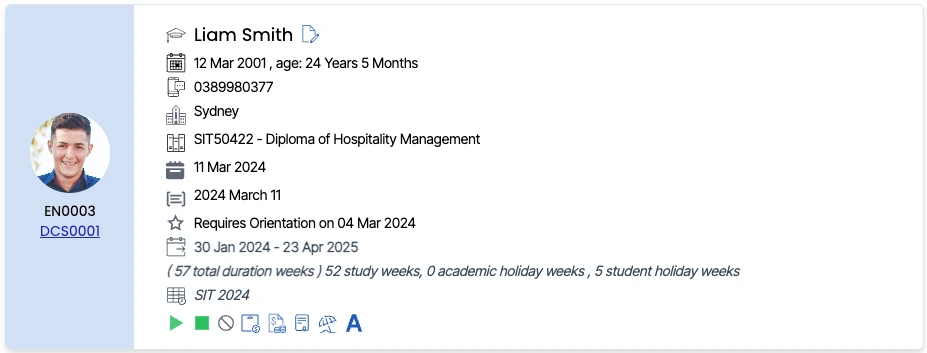
Enrolment Dashboard > Enrolment Profile Tile > Finish Icon
On the Enrolment Dashboard, the Student Profile Tile  icon allows you to finish the enrolment. It has three different colours – white, red and green. You can finish/ unfinish the enrolment by clicking the finish icon.
- The icon indicates the enrolment is yet to finish, i.e., the enrolment end date is in the future.
- The
 icon indicates that the enrolment’s end date was in the past and is not yet finished.
 - The
 icon indicates that the enrolment is finished.