Compliance > AVETMISS Dashboard
The AVETMISS Dashboard provides a consolidated view of all AVETMISS-related data across your organisation, helping you quickly identify missing or incorrect information required for compliant VET reporting.
The dashboard is made up of multiple tiles, each representing a key data area, including:
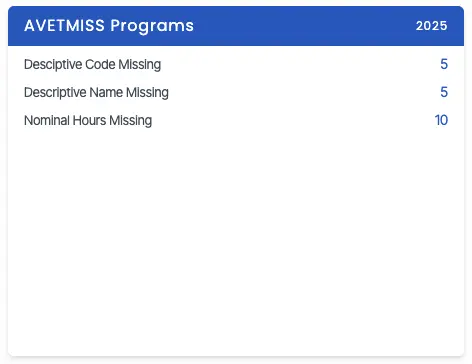
- Programs
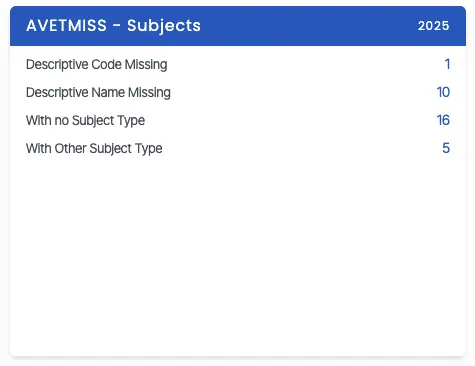
- Subjects
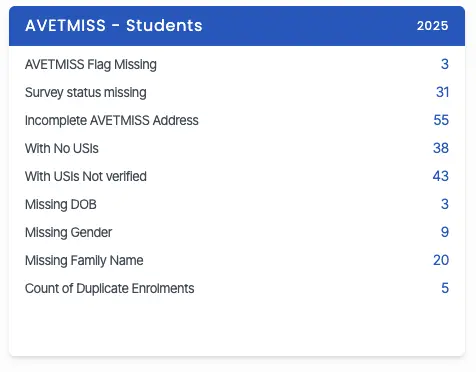
- Students
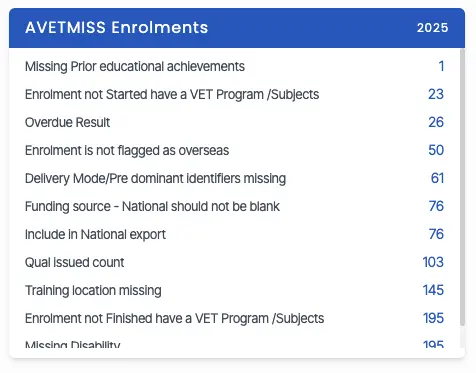
- AVETMISS Enrolments
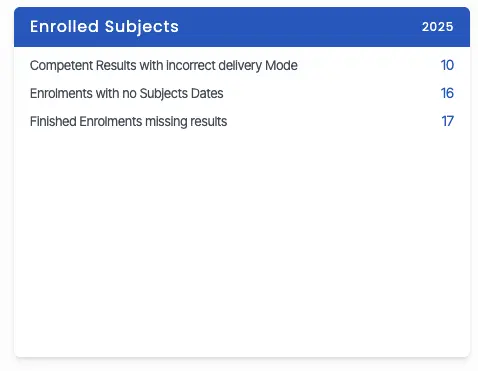
- Enrolled Subjects
Each tile highlights records with missing or invalid data, allowing you to take corrective action before AVETMISS submission.
What is AVETMISS?
AVETMISS (Australian Vocational Education and Training Management Information Statistical Standard) is the national data standard used for collecting and reporting VET activity across Australia.
Maintaining accurate AVETMISS data is essential to ensure compliance with reporting requirements and to avoid submission errors.
Filter Options (Full-Screen Mode)
You can now also apply filters in full-screen mode by clicking the Filter icon located next to the Help icon. This will open a pop-up window where you can select the Calendar Year and Campus from the drop-down menus. You can also choose National or State errors using the radio buttons.
To know more, click on the tiles listed below