Marketing > Marketing Dashboard
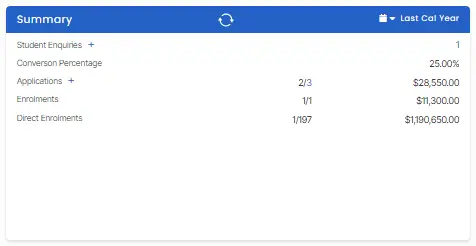
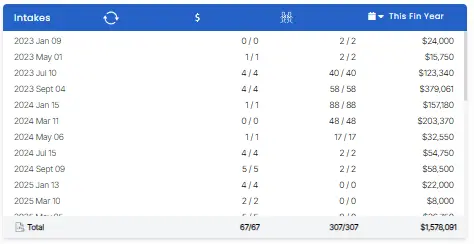
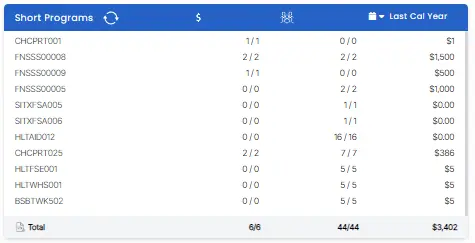
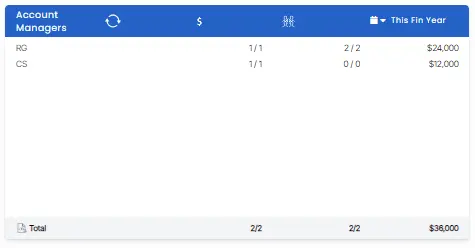
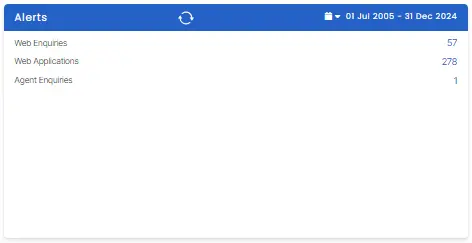
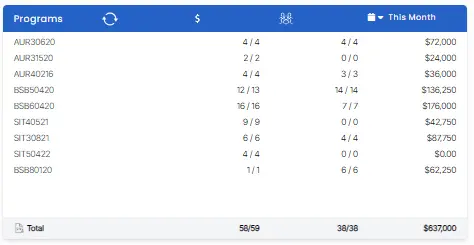
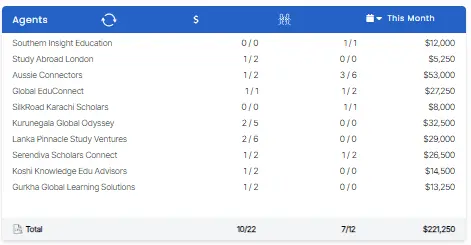
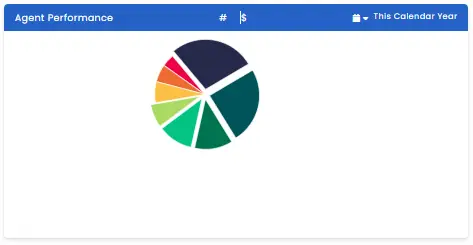
The Marketing Dashboard consists of various tiles providing insights into new enquiries generated from student webforms, agents, or employers. It also offers a comprehensive overview of pending applications within the system. Additionally, the dashboard provides a summary of revenue generated across different categories such as intakes, programs, agents, and account managers. Also, a user can create new enquiries and applications from the marketing dashboard.
There is a refresh icon on most of the tiles, so a user can fetch the latest information on the selected date range of the tile.
Tiles
You can learn more about each tile by clicking on the image of the tile.
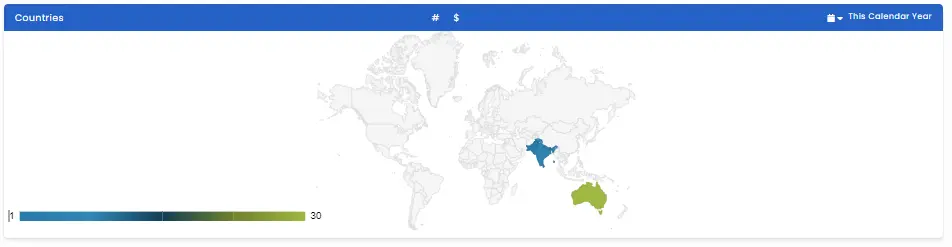
The world map tile gives country-wise information on applications and invoices. A user can change the date range to fetch the required information. The # icon shows the number of applications from a particular country/region. The $ icon shows the enrolments of that particular country/region.