Admin > SMS Template
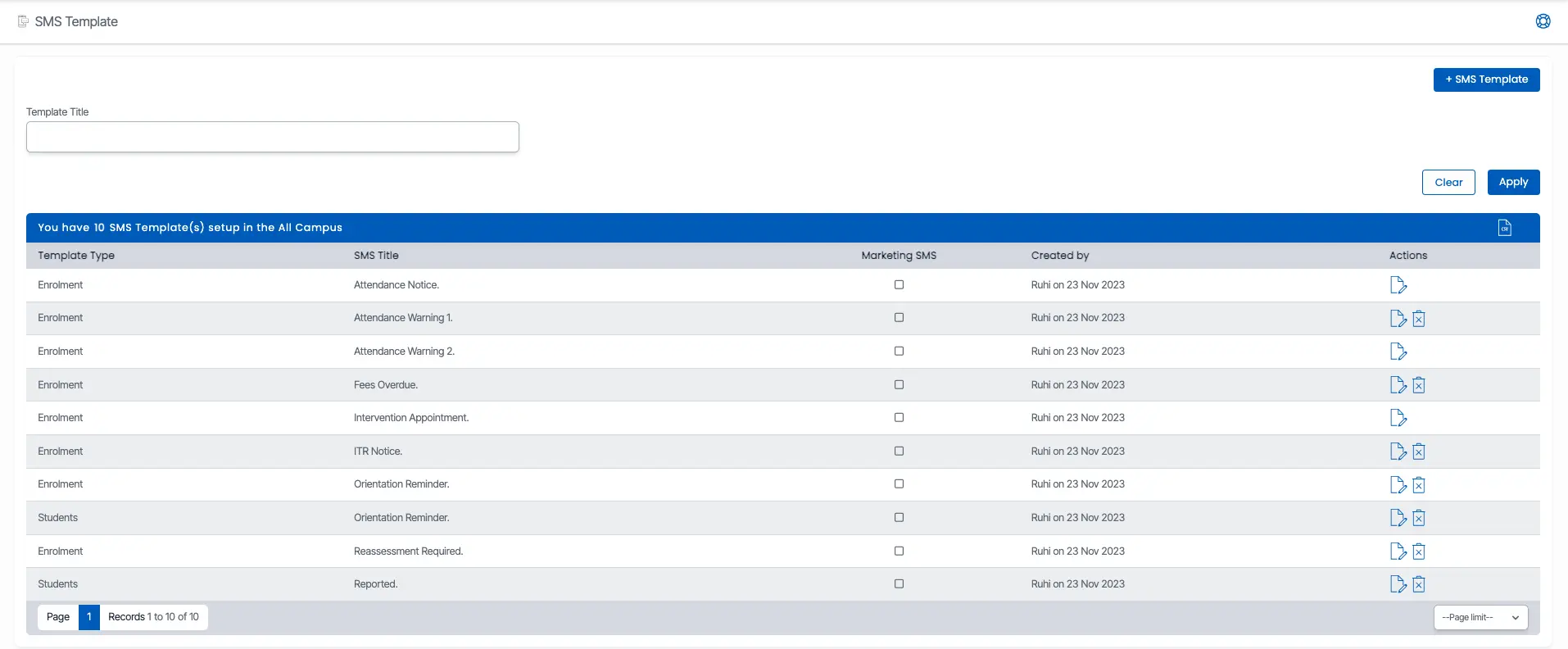
The SMS Template screen displays a grid with all available SMS templates. To find a specific template, enter its code or name in the search field. The results will update to show templates that match your search.
To edit a template, click the Edit icon under the Actions column in the grid. This will allow you to make changes to the template’s content, format, or other details.
To add a New SMS Template, click on